- DATE:
- AUTHOR:
- Grant McConnaughey
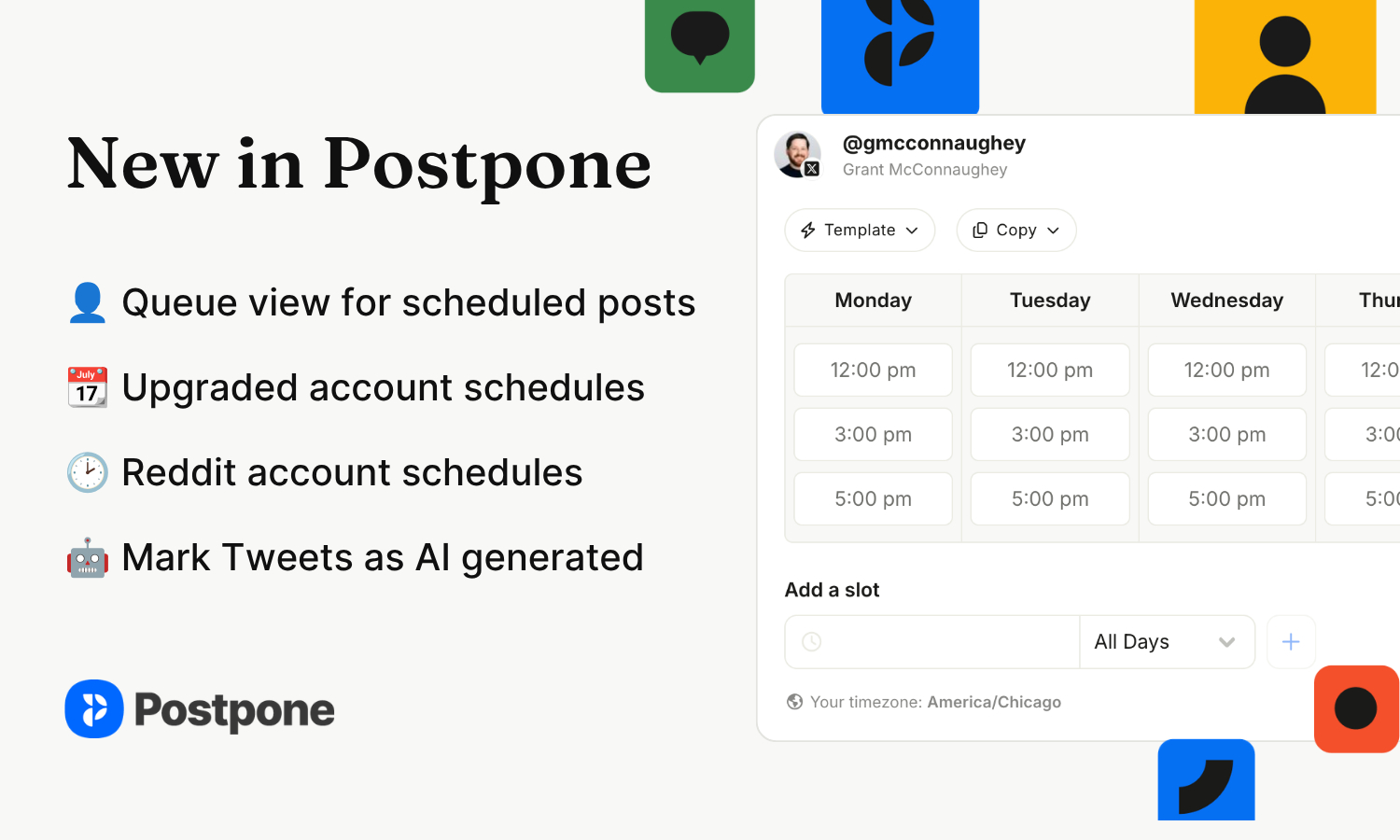
New in Postpone: Queue view, Reddit account schedules, and lots more
Account schedules are the feature you set up once so you can stop thinking about dates. Every post you queue to that account drops into the next open slot automatically, so the account keeps a consistent posting rhythm without you thinking about it.
Today's release makes them faster to build, easier to fill, and (finally) available on Reddit.
A Queue view for scheduled posts
The calendar is good at answering "what's happening Thursday." It's less good at "what's actually going out next, and where are the gaps?"
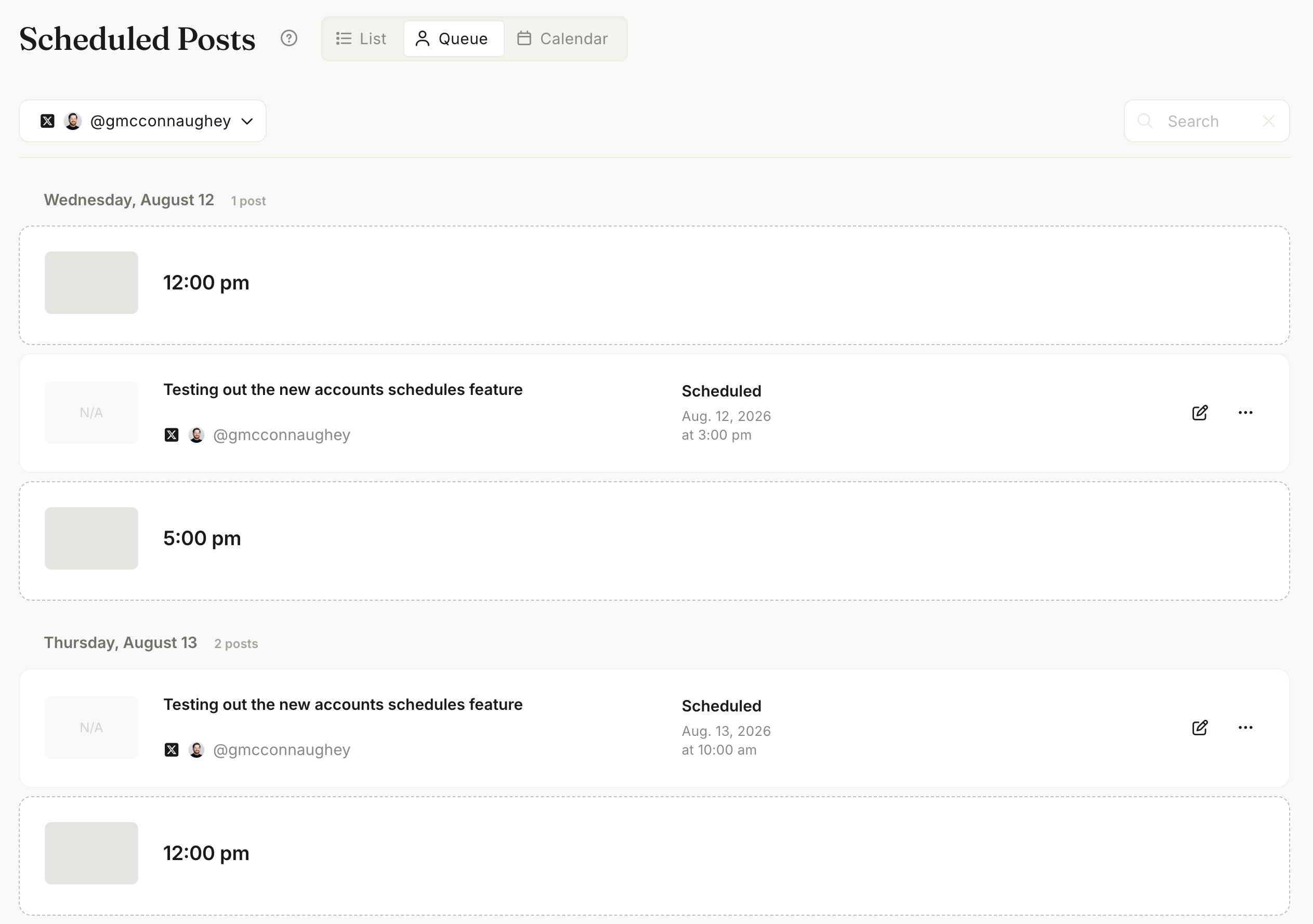
The new Queue view answers that. Pick an account and you get its scheduled posts in publish order, interleaved with the open slots from that account's schedule. Empty slot on Thursday at 9:00 AM? Click it and schedule a post straight into it.
To get started, head to the Scheduled Posts page and select the new Queue view.
Reddit accounts now support account schedules
Reddit has been the one platform where you had to pick times by hand. Not anymore.
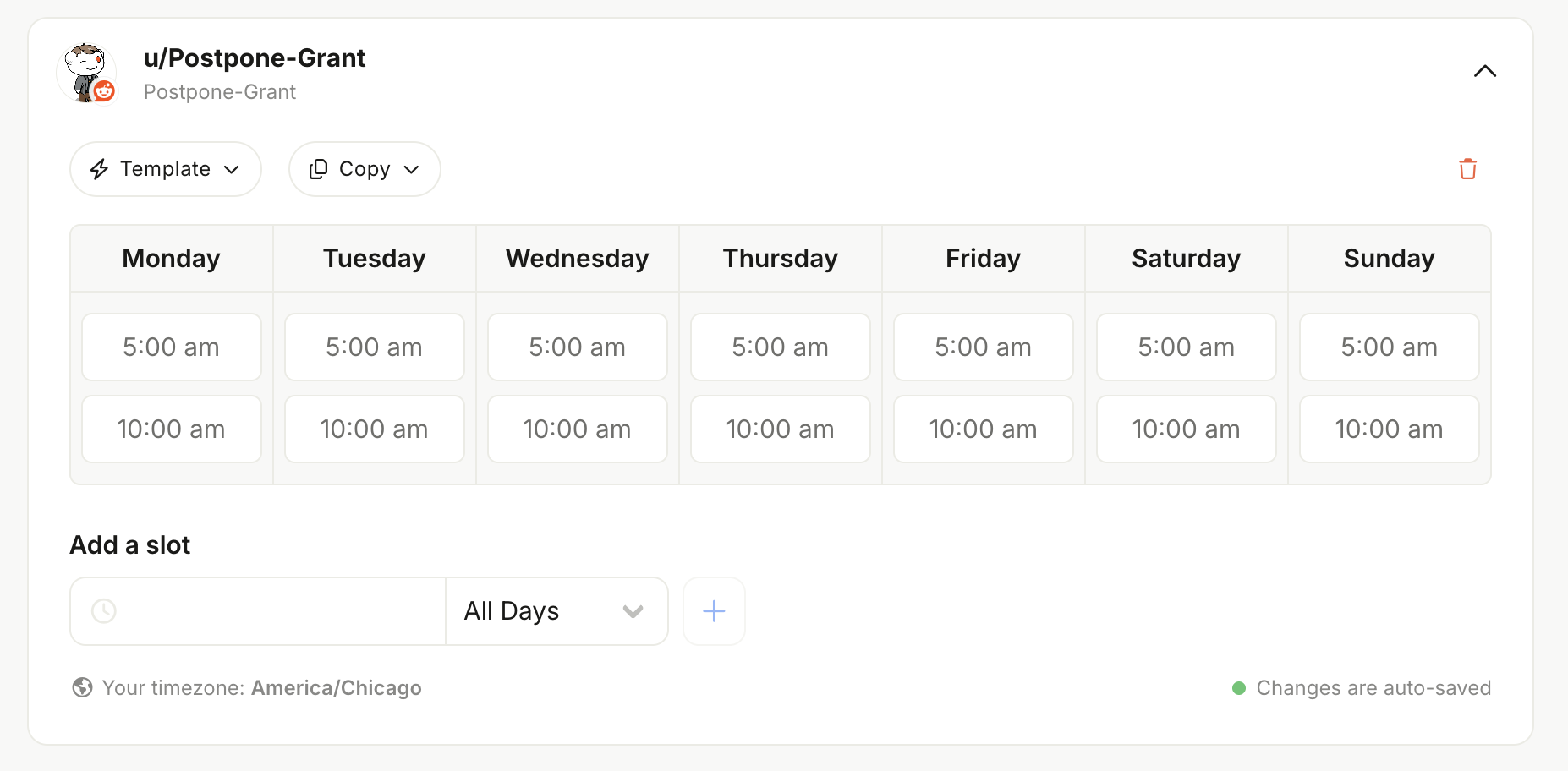
Set slots for a Reddit account and queue posts into them the same way you do everywhere else. Your Notification Post notifications arrive at the slot time, and you post natively from the Reddit app or website.
If you're running multiple Reddit accounts, this pairs well with the copy and template options below.
Set up Reddit account schedules →
Schedules now work correctly across timezones
If your team is spread across timezones, this one matters.
Account schedule slots are now interpreted and displayed in each user's own timezone. A teammate in California sets a slot for 9:00 AM, and a teammate in New York sees that same slot as 12:00 PM. Same moment in time, shown correctly to everyone looking at it.
Setting up a schedule is much less tedious
Building a schedule from scratch for every account was slow, especially if you'd already worked out good times on a similar account. Four changes:
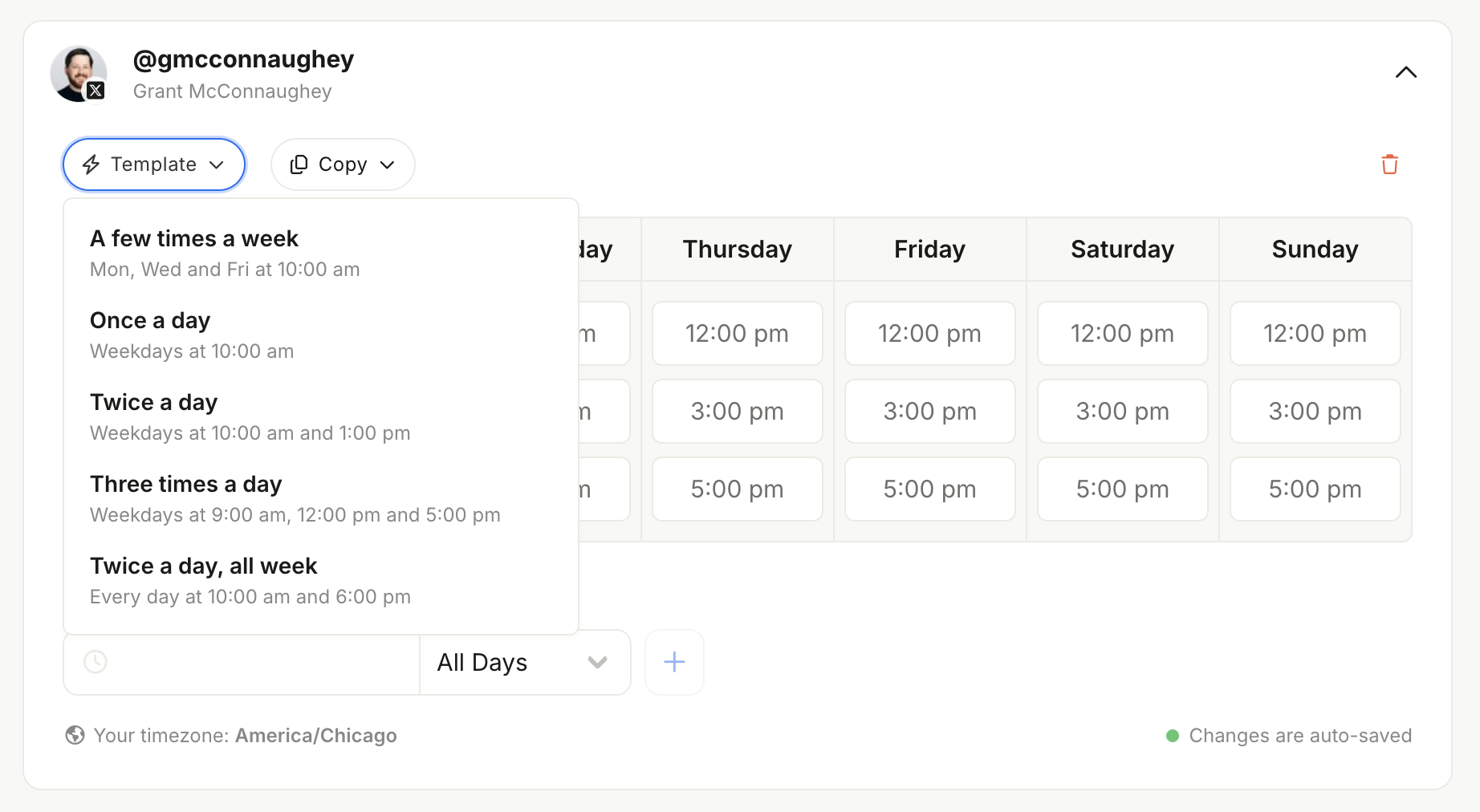
Copy a schedule from another account. Get one account dialed in, then reuse it.
Apply a schedule template. Start from a sensible baseline instead of an empty grid.
Clear an entire account's schedule in one action, rather than removing slots one at a time.
A styling pass on the whole schedule editor, so it's clearer what's set and what isn't.
We also improved the queueing algorithm itself. Posts added to the queue now fill open slots more predictably and spread more evenly, rather than clumping into the soonest available times.
What's next for account schedules?
We aren't finished improving account schedule support in Postpone. In future updates we plan to add support for adding posts to your accounts queues in both Bulk Import and from the Postpone mobile app.
Also shipped
edit_social_postMCP tool. Your AI assistant can now edit posts it has already scheduled, not just create and delete them.X post labels. Mark Tweets as made with AI or as a brand partnership when scheduling.
LinkedIn details. Follower counts on member accounts, descriptions on organization accounts.
Security improvements to how connected social account credentials are stored.
Smoother LinkedIn reconnects for accounts already connected to Postpone.
Better subreddit icons in Subreddit Discovery.
Clearer API error messages on queries.
Bug fixes
Fixed some Instagram comments not appearing in Conversations.
Fixed data loss when switching between the markdown and fancy editors on Reddit posts.
Fixed a crash when importing Reddit posts without a
post_at.Fixed TikTok video stats failing to fetch.
Fixed Reddit image uploads incorrectly showing a "domain whitelist" warning when scheduling.
Fixed connecting an Instagram account already attached to a free Postpone account.
Closing
That's it for today!
If you haven't yet, please be sure to follow us on our other socials, so that you can stay in-the-loop on product updates: