- DATE:
- AUTHOR:
- Grant McConnaughey
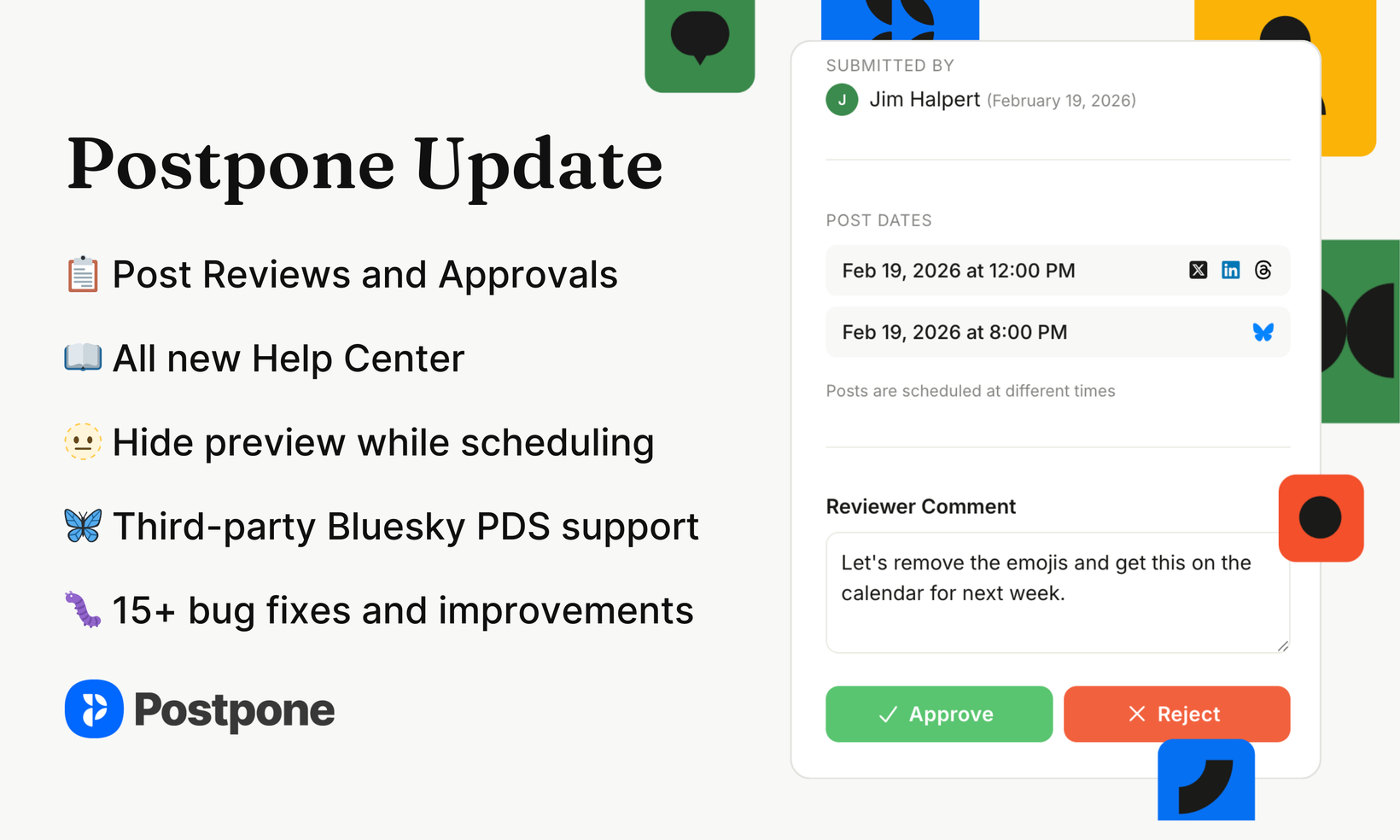
New in Postpone: Post reviews & approvals, new Help Center, and lots more!
We've got another packed update for you — post reviews and approvals are now live in Postpone, plus a completely rebuilt Help Center and a long list of improvements and fixes. Let's dive in.
 Approvals - Post review workflow
Teams can now review and approve posts before they go live.
If your team needs to sign off on content, copy, or scheduling before posts go live — whether that's a manager reviewing a teammate's drafts or an agency getting client approval — the new Approvals workflow keeps everyone on the same page.
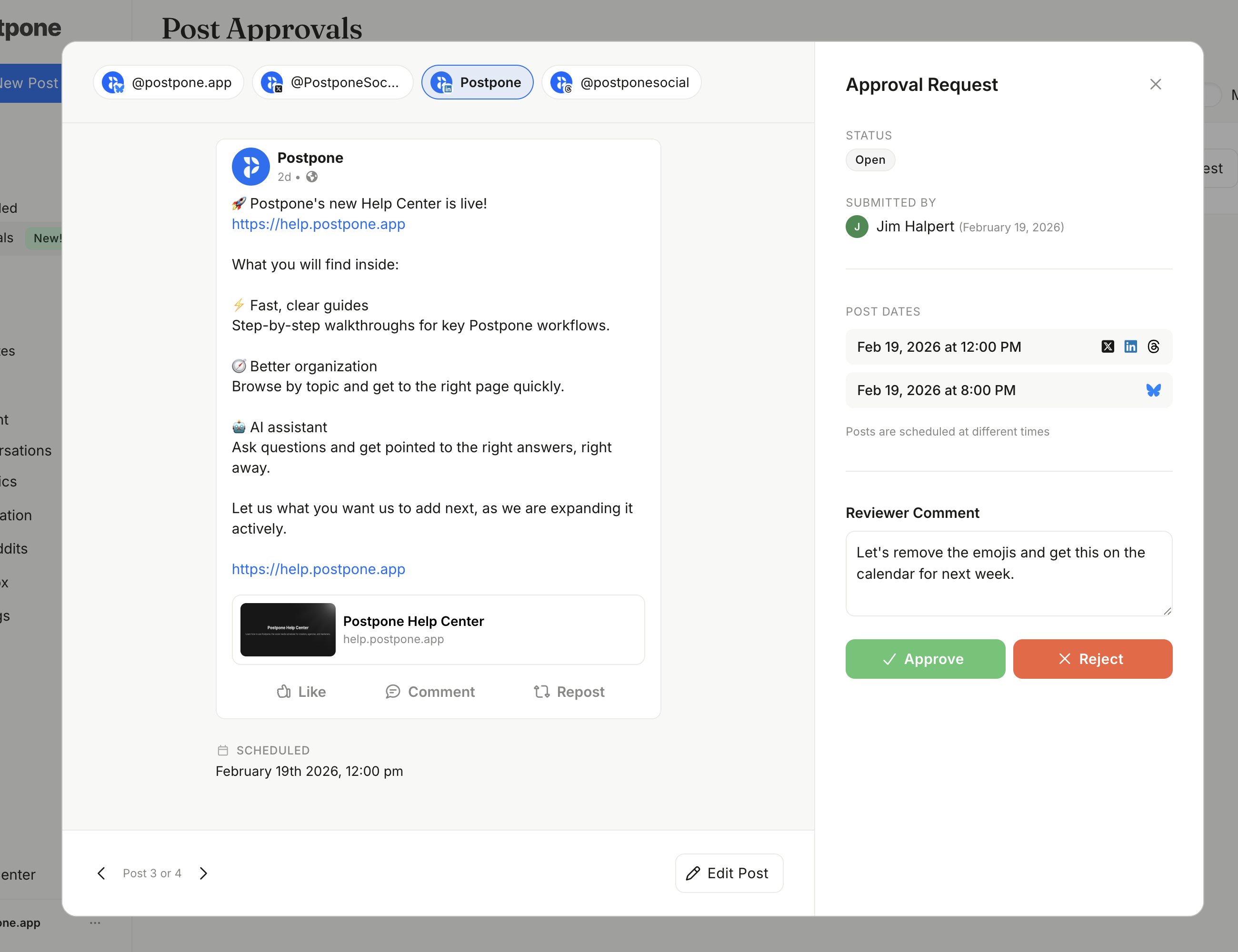
Here's how it works:
Set permissions — In Settings > Team, you can assign two key permissions per team member: "Requires post approval" (their posts need sign-off before publishing) and "Can approve posts" (they can review and approve or reject others' content).
You can also require approval for all posts to a specific social account, regardless of who created them.
Submit for review — Team members who require approval will submit posts for review.
Review and take action — Approvers can see all pending requests on the new Approvals page. From there, they can preview and edit the entire batch of posts at once, then approve or reject the posts.
Stay in the loop with notifications — Approvers get notified when posts need their review, and creators get notified when changes are requested. Both email and push notifications are supported.
Approvals is available on select plans. See the Plans page for a full feature comparison, and check out the Reviews & Approvals help docs for a detailed walkthrough.
 All new Help Center
If you want to get up to speed on Approvals or any other Postpone feature, you're in luck — we also launched a brand new Help Center!
The new Help Center has lots of improvements over our old documentation site, such as:
AI Integration - Ask the built-in AI Assistant questions about Postpone. It will help provide relevant answers across all of Postpone.
You can also click Copy Page then open any page in ChatGPT or Claude, then ask questions.
More Documentation - The Help Center documents much more of Postpone.
Better Organization and Design - The Help Center is organized in a more structured way, and overall looks significantly better than our previous docs. Plus...it has dark mode.
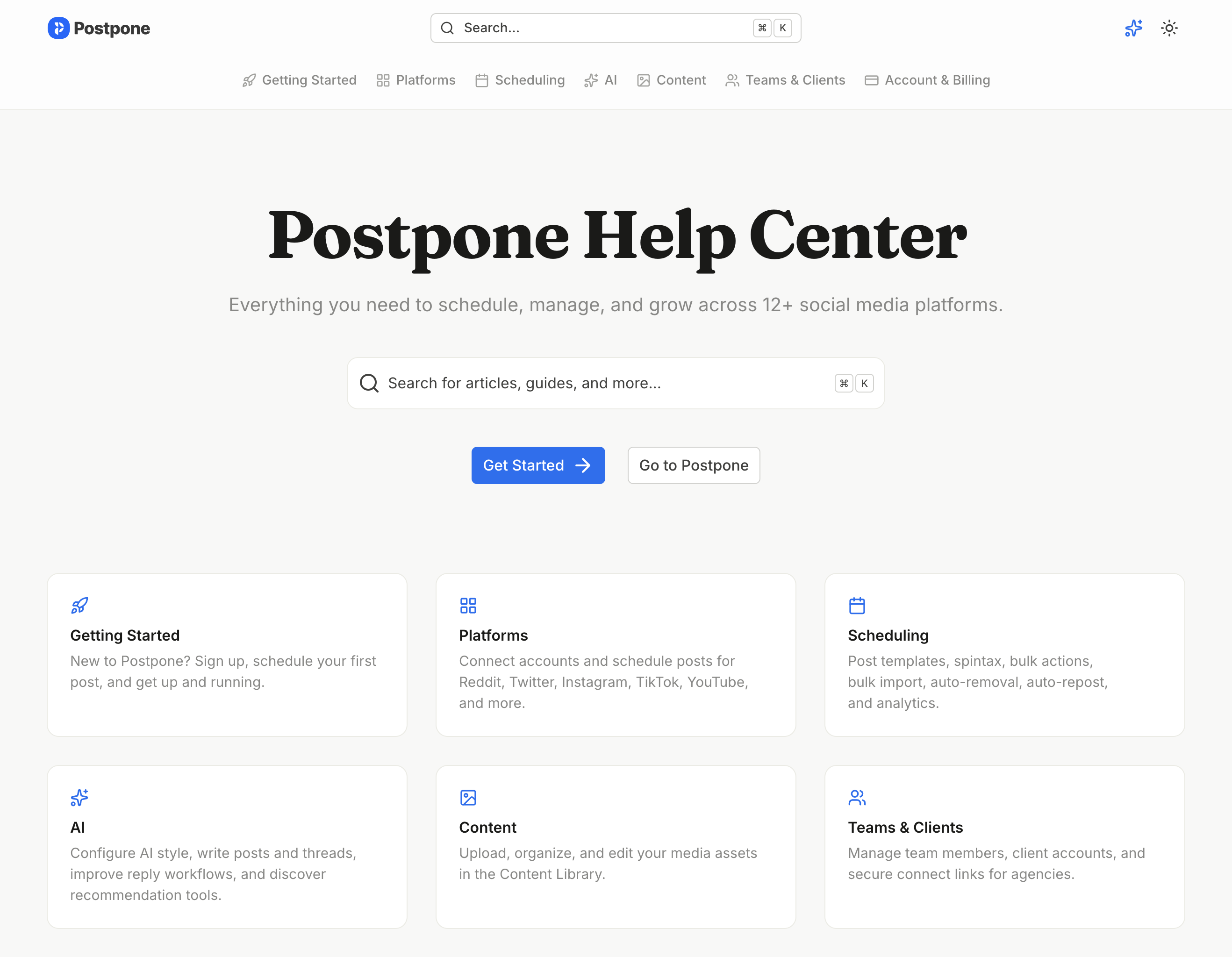
Visit the new Help Center today at help.postpone.app.
 Improvements
Added the ability to collapse the post preview pane while scheduling posts.
Added the ability to force fetching the latest link embed card image. Simply hover over the post preview while scheduling then click the
 icon.
icon.Added support for connecting Bluesky accounts hosted on a third-party/self-hosted PDS.
Improved detecting disconnected LinkedIn accounts.
 Bug Fixes
Fixed an issue where the latest Reddit post stats may not be synced to History.
Fixed an issue that could cause some RSS feeds to not be fetched.
Fixed an issue where Home Last 7 Days follower stats would show users lost lots of followers when a social account is disconnected.
Fixed copying media to clipboard in Safari.
Fixed exporting analytics charts to clipboard in Safari.
Fixed a placeholder bug in the invitation confirmed email.
Fixed an error that prevented connecting LinkedIn Pages and Profiles.
Fixed an error displaying validation errors in LinkedIn when a Page can't be connected.
Fixed an error that prevented editing Reddit posts created by users who are no longer part of the Postpone account.
New Reddit post scheduler fixes
Fixed an issue where the subreddit label picker could be too tall while scheduling Reddit posts.
Fixed an issue where overridden comments were not visible when editing a Reddit post.
Fixed an issue that prevented scheduling Reddit posts when at least one subreddit was empty.
Fixed an issue that caused incorrect frequency warning messages when editing Reddit posts.
Fixed an issue where the original scheduled post date would be changed when editing a Reddit post if the subreddit used custom schedules.
Fixed an issue with validating Reddit post title lengths when titles are overridden.
Closing
That's it for today!
If you haven't yet, please be sure to follow us on our other socials, so that you can stay in-the-loop on product updates: