- DATE:
- AUTHOR:
- Grant McConnaughey
New in Postpone: Automations, Instagram trial Reels, account shortcuts, and more!
Today we're thrilled to announce a major new feature in Postpone: Automations.
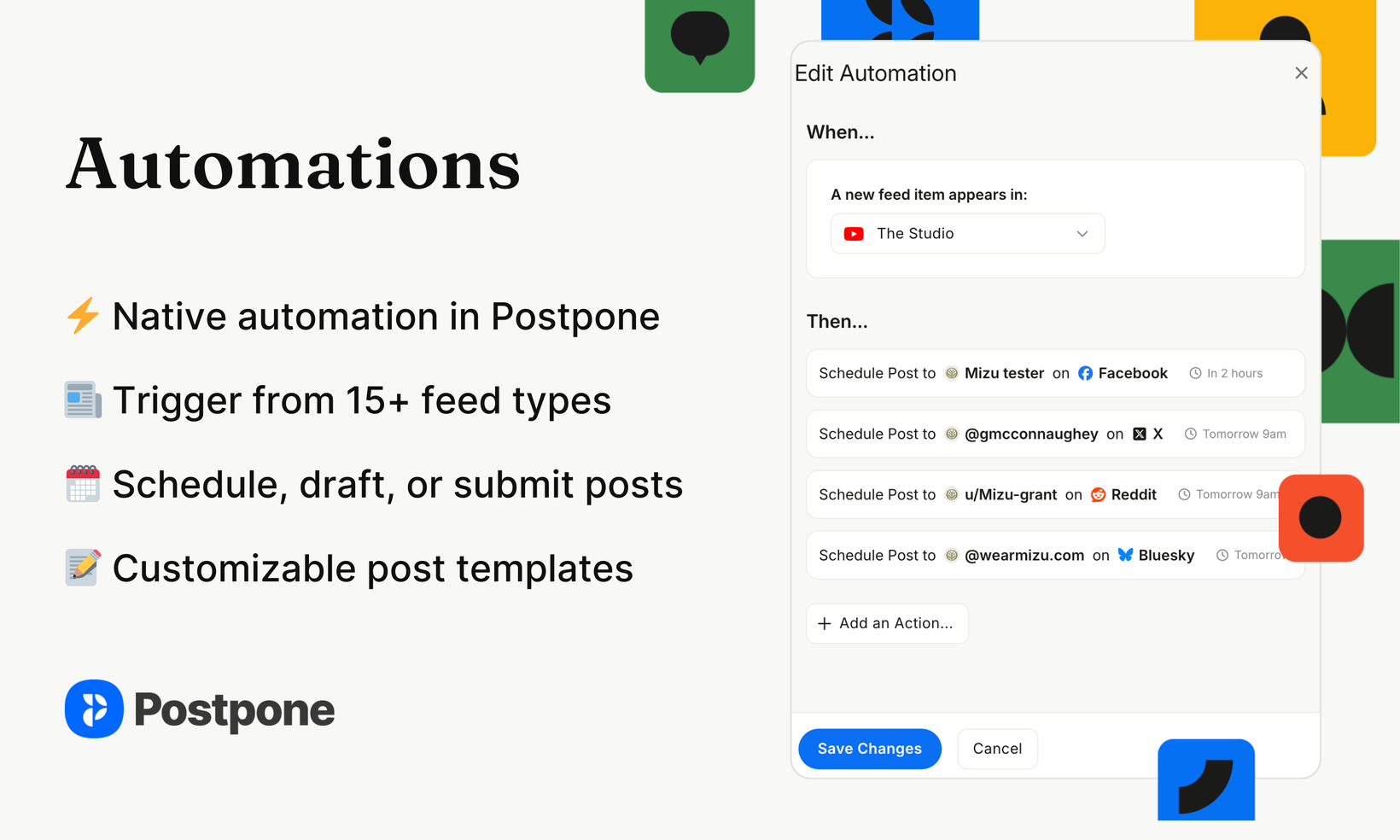
With Automations, you can automatically create, draft, schedule, and publish posts to your social accounts when new content arrives from a blog, YouTube Channel, podcast, and more—all from within Postpone.
Let's dive in!
 Automations — Automate creating and publishing posts, all from Postpone
Automations watch your content feeds (RSS, YouTube, podcasts, and 15+ other sources) and automatically create posts whenever something new drops. No more copy-pasting links every time you publish.
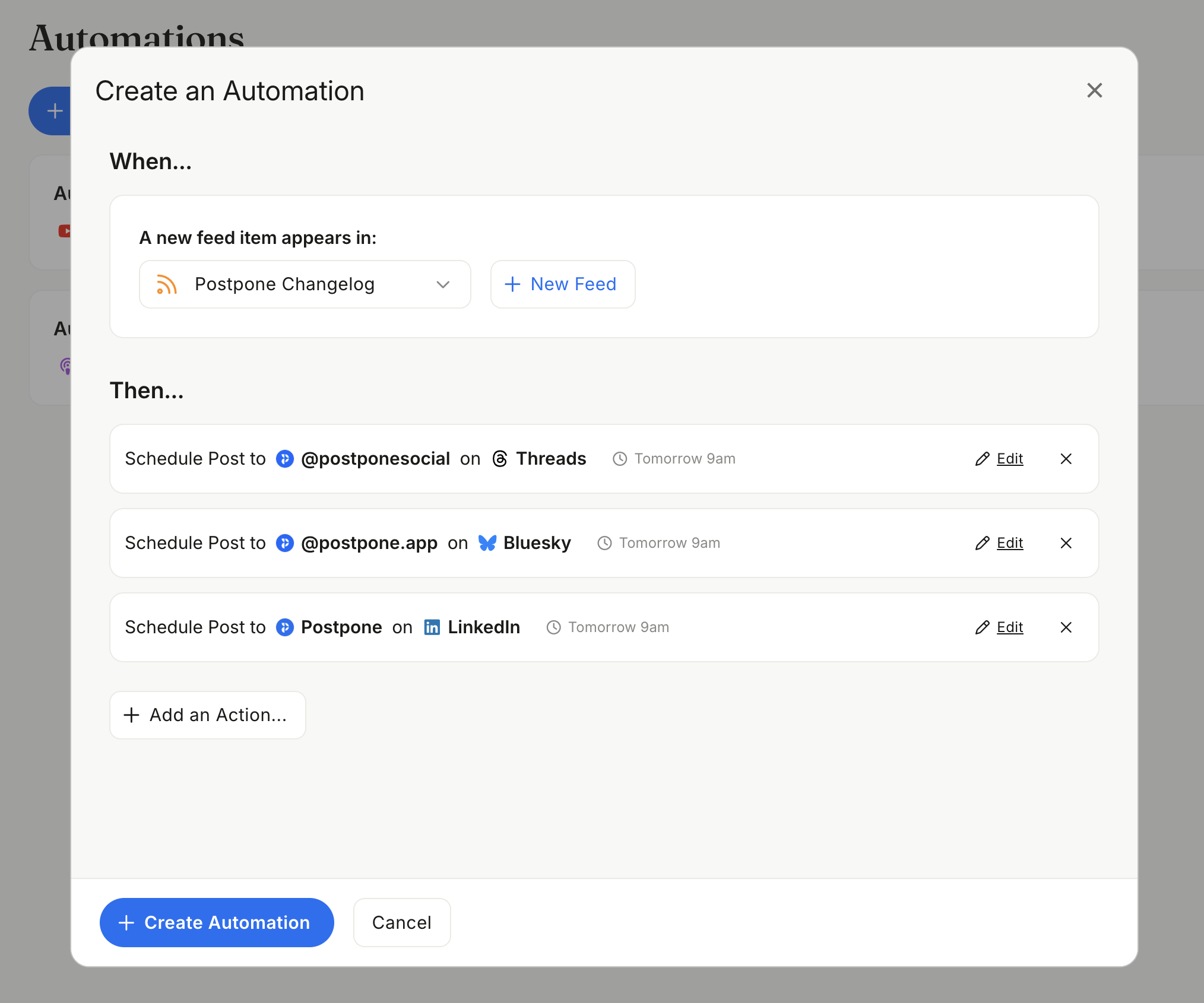
Every automation has two parts: a trigger (new item in a feed) and one or more actions (what to do with it). A single automation can do multiple things at once, such as draft a post on X, schedule one on LinkedIn, and immediately publish to Bluesky, all from one blog post.
Three action types:
Draft — Creates a post for you to review before publishing.
Schedule — Queues the post for a future time.
Submit — Publishes immediately when the trigger fires.
Automations currently support X/Twitter, LinkedIn, Bluesky, Threads, Mastodon, Facebook, and Reddit, with more platforms coming.
To get started with Automations, head to the new Automations tab in Postpone. Need help? Check out our help docs on Automations.
 Instagram Trial Reels — See if content resonates before sharing it with your followers
You can now schedule Instagram Trial Reels from Postpone.
Trial Reels let you share a reel with non-followers first, so you can experiment with new content ideas without worrying about how your existing audience will react. After about 24 hours, you can check engagement metrics and decide whether to share it with your followers—or have Instagram do it automatically if the reel performs well within 72 hours.
It's a great way to test new formats, topics, or styles with a lower-stakes audience first.

 Account Shortcuts — Quickly schedule posts to individual accounts
Account Shortcuts let you add up to 4 account icons below the New Post button for one-click posting. Select an account shortcut and you'll jump straight into creating a post for that account—no extra steps.
To set up your shortcuts, go to Settings > Interface.
 Other Improvements
Much improved handling of LinkedIn connections that are about to expire.
LinkedIn connections expire after 1 year. Postpone now sends an email 1 week ahead of expiration, and shows a warning banner 2 weeks ahead of expiration, so you can re-connect your Pages and Profiles before the connection expires.
Added a default post setting for "share communities posts with followers" on X.
Use the default Reddit account in Default Post Settings when creating a post for Reddit.
Added buttons to quickly schedule posts to subreddits in the Subreddit Manager.
Improved the sync handler UI.
Fixed an issue where subreddit schedule dates would override scheduling Reddit posts for an explicit date.
Fixed an issue where remove post was displayed for Reddit, despite not being supported.
Closing
That's it for today!
If you haven't yet, please be sure to follow us on our other socials, so that you can stay in-the-loop on product updates: